
WorkVault HR OS | Offline Dashboard, Employee Tracker, Payroll, PTO, Performance Review, Printable Forms + Excel Export
Shop rating: ★★★★★ 5.0 · 11 reviews on Etsy $20.00Sale ends September 27
Price before tax — VAT/sales tax may be added at Etsy checkout depending on your country.
Description
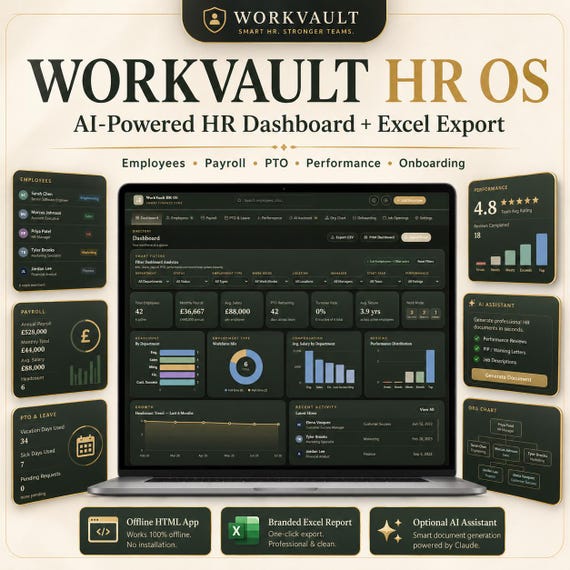
WorkVault HR OS — Offline HR Dashboard for Small Business & Growing Teams
Stop managing your team in messy spreadsheets.
WorkVault HR OS is a polished, all-in-one HR operating system that runs directly in your browser — no subscription, no installation, no data leaving your device.
One clean system for employees, payroll, PTO, performance, onboarding, and reporting.
─────────────────────────────────────────
✦ NO MONTHLY FEES ✦ WORKS OFFLINE ✦ YOUR DATA STAYS ON YOUR DEVICE
─────────────────────────────────────────
━━━ WHAT'S INCLUDED ━━━
🗂 WorkVault HR OS — Offline HTML App (open in any browser, works instantly)
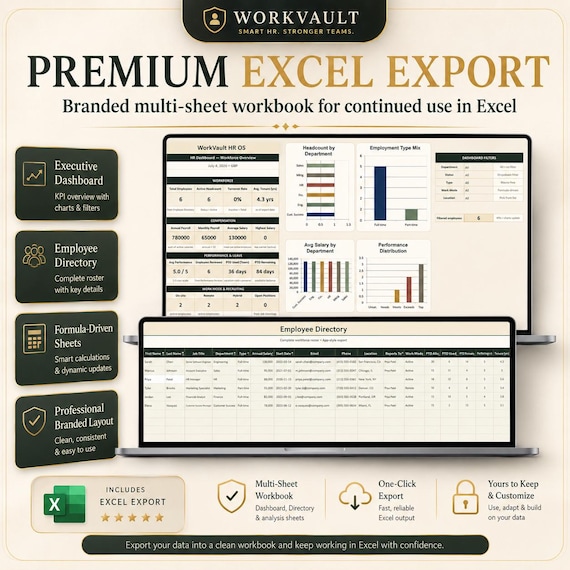
📊 Branded Excel Workbook — multi-sheet export with live formulas,
dropdown lists, and charts; ready to work in directly
📖 Built-in User Guide — full module reference accessible inside the app
📄 README — setup and usage instructions included in the download folder
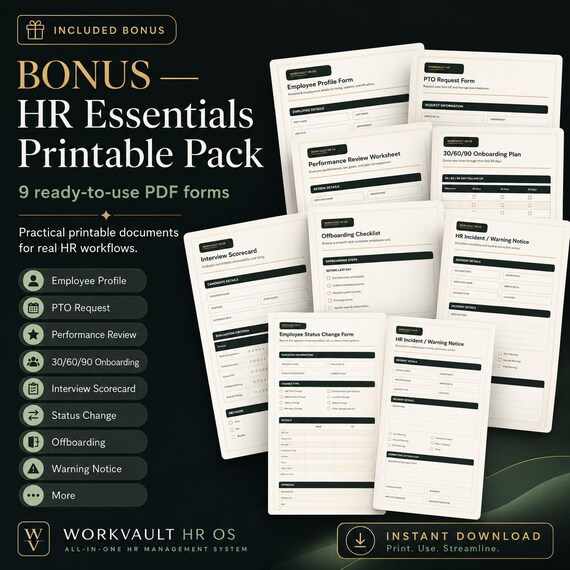
🎁 BONUS — HR Essentials Printable Pack (9 ready-to-use PDF forms):
📋 Employee Profile Form
🏖 PTO Request Form
⭐ Performance Review Worksheet
✅ Onboarding Checklist — 30 / 60 / 90 Day
🎯 Interview Scorecard
🔄 Employee Status Change Form
👋 Offboarding Checklist
⚠️ HR Incident & Warning Notice
📦 HR Essentials Pack (all 8 forms combined in one file)
Print-ready, professionally formatted. Use alongside the app or completely independently — no software required.
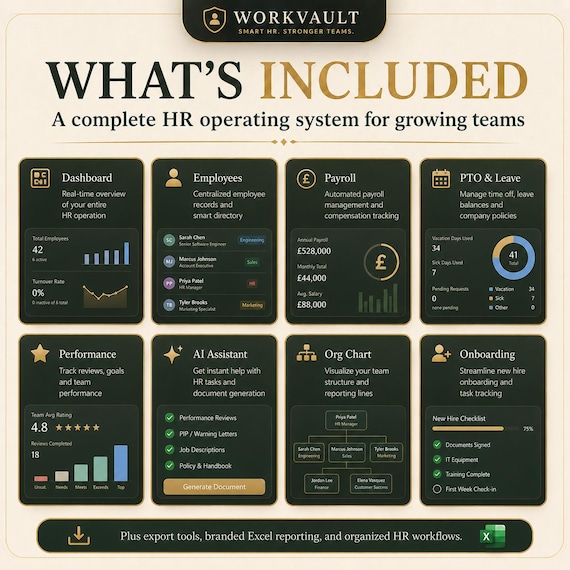
━━━ WHAT YOU CAN MANAGE ━━━
Everything your team needs — in one place:
👥 Employee profiles and directory
💰 Payroll and compensation tracking
🏖 PTO, vacation, and leave balances
⭐ Performance reviews and ratings
📈 Quota attainment and attendance notes
🏢 Org chart and reporting structure
✅ New-hire onboarding checklists
📋 Job openings and hiring pipeline
⚙️ HR settings, departments, and dropdown lists
📊 Branded Excel reports
━━━ MAIN FEATURES ━━━
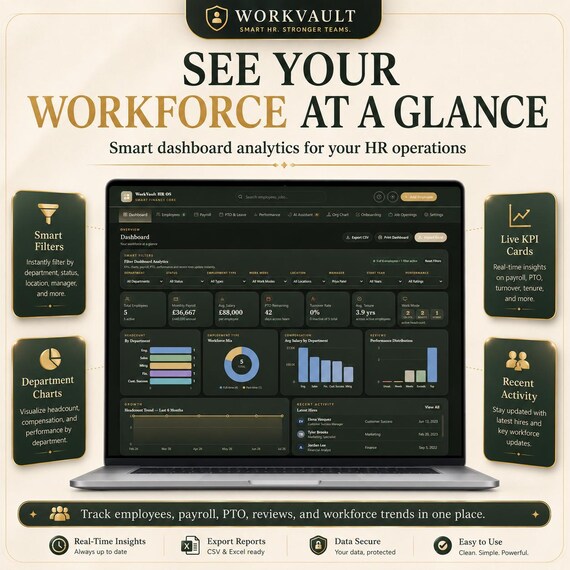
📊 Smart HR Dashboard
View your workforce at a glance — KPI cards, department charts, employment type mix, salary insights, performance distribution, recent hires, and workforce trends. Filter everything by department, status, work mode, or location in one click.
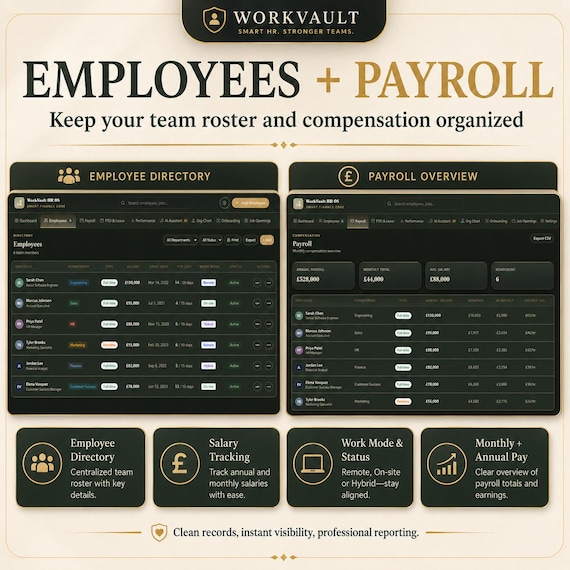
👥 Employee Directory
A clean, searchable employee roster with job titles, departments, work mode, status, salary, PTO balance, performance rating, start date, manager, contact details, and tenure. Card view or table view — your choice.
💰 Payroll Overview
Track annual salary, monthly pay, bi-weekly and hourly estimates, department totals, and active employee compensation — always up to date, no formulas to maintain.
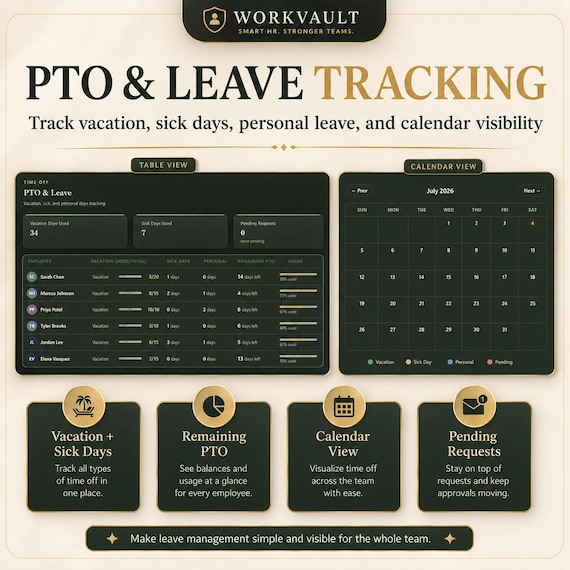
🏖 PTO & Leave Tracker
Log vacation days, sick days, and personal leave. See remaining balances, usage progress, and pending approval requests per employee. Working days are auto-calculated — weekends excluded automatically.
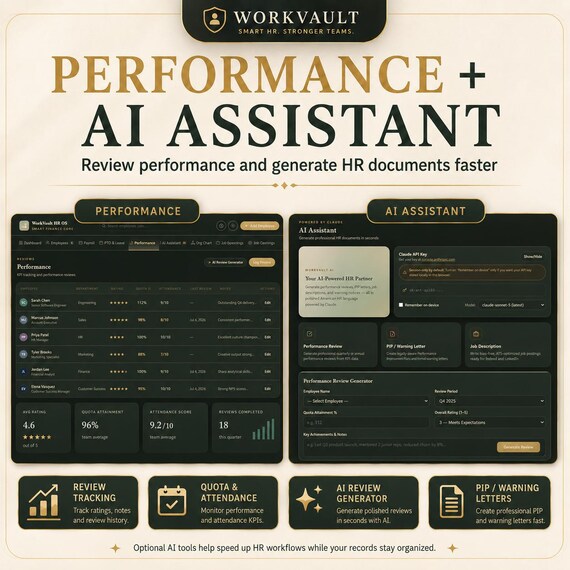
⭐ Performance Reviews
Log ratings (1–5), quota attainment %, attendance scores, review dates, and notes. Ideal for quarterly or annual reviews. Average team rating shows on your dashboard automatically.
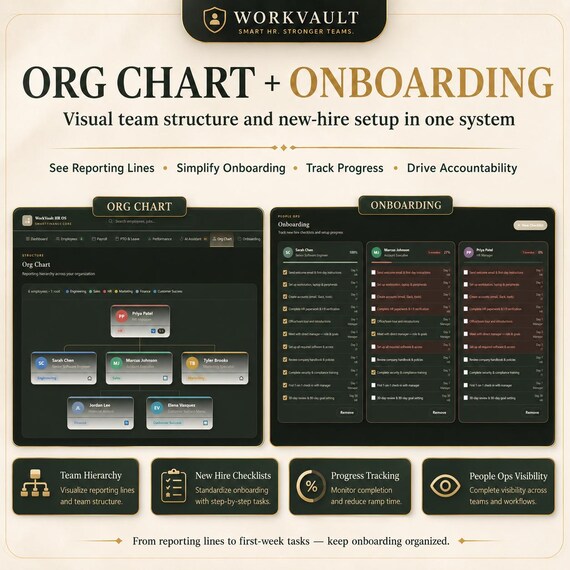
🏢 Org Chart
Visualize your reporting structure and team hierarchy in a clean, printable tree layout. Built automatically from the "Reports To" field on each employee profile.
✅ Onboarding Tracker
Manage new-hire checklists with task progress, completion status, and a per-employee progress bar. Automatically shows employees hired within the last 90 days.
📊 Premium Excel Export
Export your data into a branded, multi-sheet Excel workbook — employee directory, payroll breakdown with charts, department analysis, PTO summary, performance data, settings, and a read-me sheet. Designed for Excel 2016 and newer. Best performance on Excel 2019 / Microsoft 365.
🤖 Optional AI Assistant
An optional AI section lets you generate performance review letters, PIP documents, offer letters, and job descriptions — powered by Claude AI. Requires your own Anthropic API key (free to obtain at console.anthropic.com). All other features work completely without it.
━━━ HOW IT WORKS ━━━
1️⃣ Open WorkVault_HR_OS.html in your browser — no setup required
2️⃣ Add your employees and HR data
3️⃣ Use the dashboard filters to analyze your workforce
4️⃣ Export to Excel or CSV whenever you need a report
5️⃣ Keep working in Excel if preferred — or stay in the app
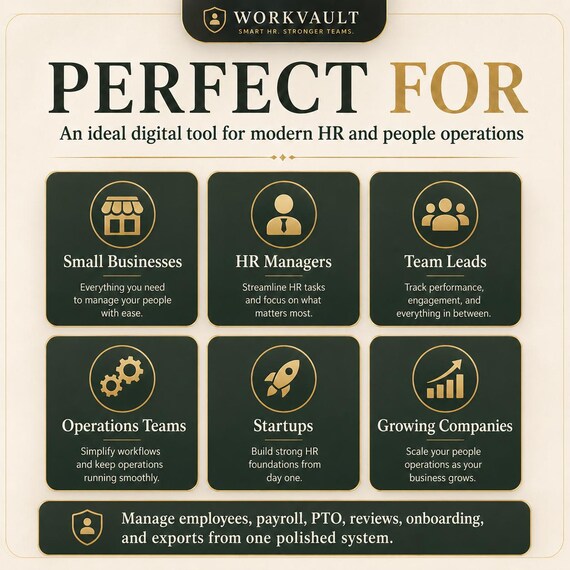
━━━ PERFECT FOR ━━━
✔ Small businesses and startups
✔ HR managers and people ops teams
✔ Team leads managing growing teams
✔ Remote and hybrid workforces
✔ Consultants managing multiple small teams
✔ Anyone tired of paying $30–$80/month for HR software
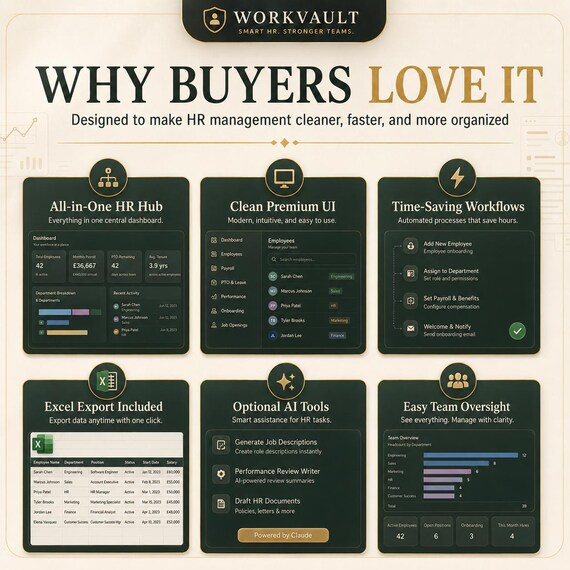
━━━ WHY BUYERS LOVE IT ━━━
WorkVault HR OS gives you a clean, premium HR workspace without recurring software fees. It's simple enough for a 5-person team, polished enough for professional use, and flexible enough to export into Excel whenever you need records, reports, or backups.
Pay once. Use forever. Your data never leaves your device.
━━━ GOOD TO KNOW ━━━
📌 This is a digital HR tool, not a payroll processing service. It does not file taxes, submit payroll, or provide legal HR advice.
📌 Excel edits do not automatically sync back into the HTML app — the app is the source of truth.
📌 AI features are optional and require a free Anthropic API key. All 9 other modules work fully offline without it.
📌 This is a digital download. No physical item will be shipped.