Small Business Bookkeeping Tracker | Etsy Seller Profit Loss Dashboard (Excel, Google Sheets)
Shop rating: ★★★★★ 5.0 · 11 reviews on Etsy $3.60Sale ends September 27
Price before tax — VAT/sales tax may be added at Etsy checkout depending on your country.
Description
💰 Stop guessing where your money goes — track every dollar automatically.
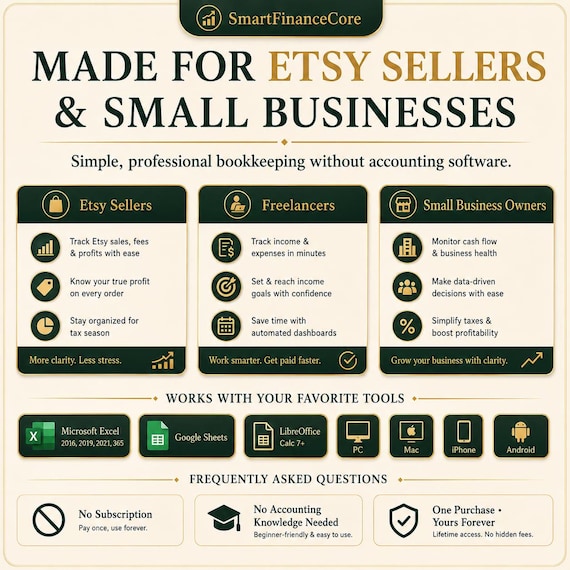
This Bookkeeping Tracker was built specifically for Etsy sellers, freelancers and small business owners who want a clean, professional financial system without the complexity of accounting software.
Open it. Enter your transactions. Your dashboard does the rest.
✨ WHAT'S INCLUDED
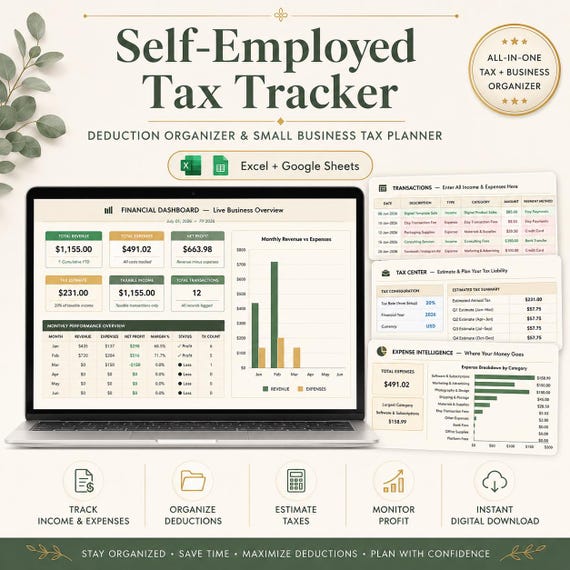
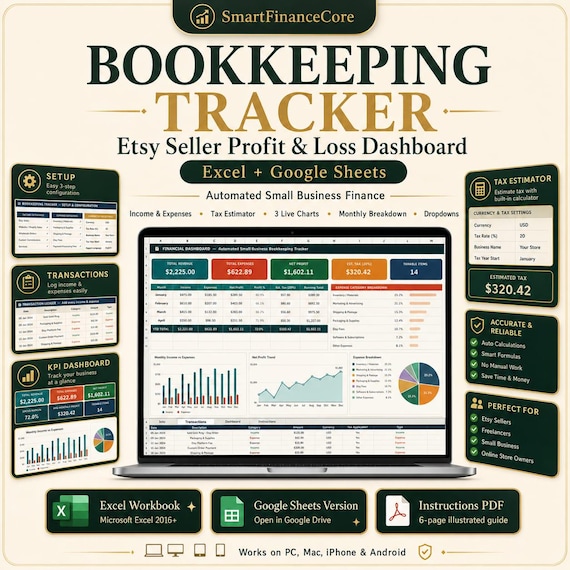
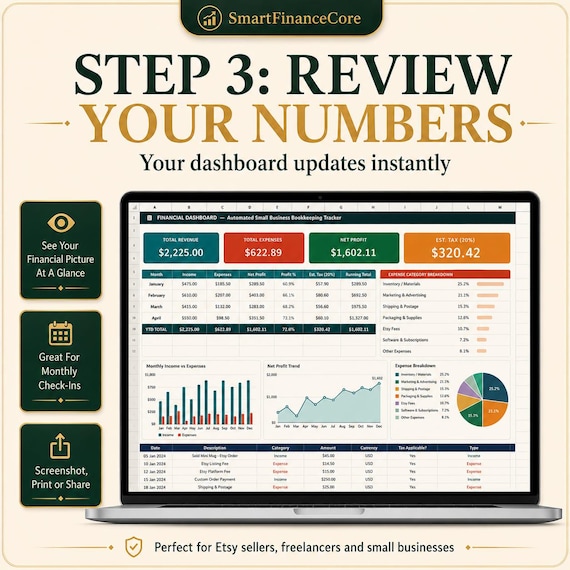
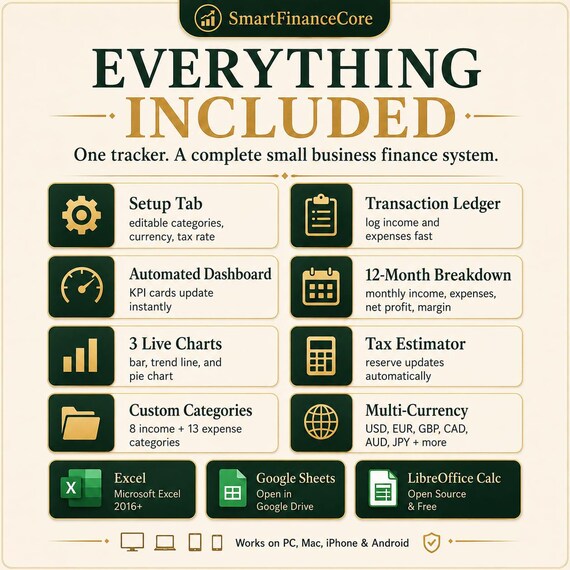
📊 Automated Dashboard — 4 KPI cards update instantly as you add transactions: Total Revenue, Total Expenses, Net Profit and Estimated Tax Reserve.
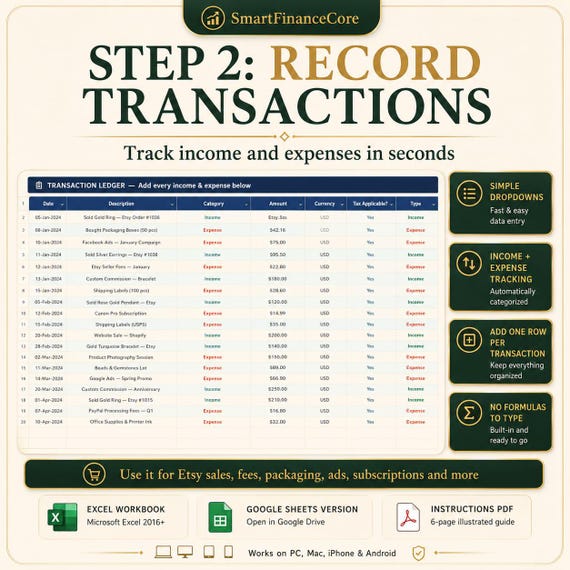
📒 Transaction Ledger — Log income and expenses with simple dropdown menus. No formulas to type, no columns to format. Just fill in the rows.
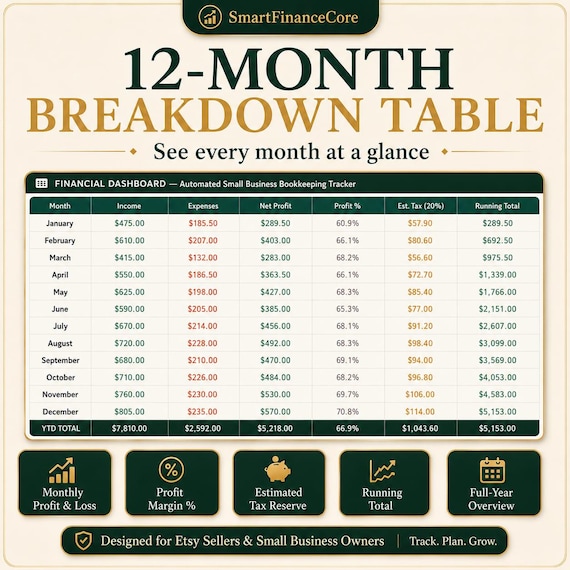
📈 12-Month Breakdown Table — See every month's income, expenses, net profit, profit margin % and running total — all calculated automatically.
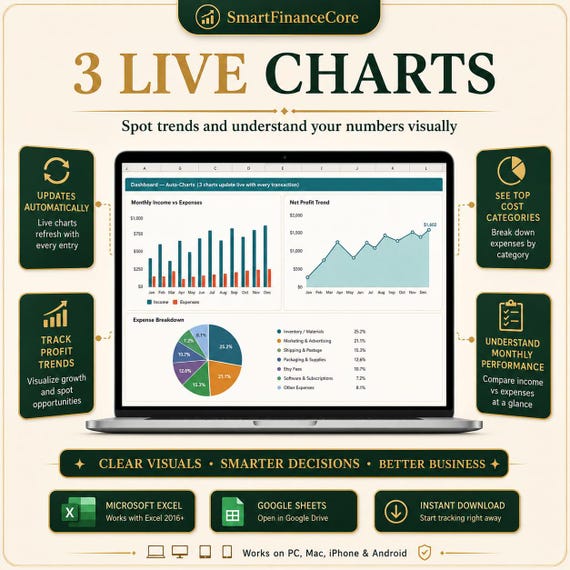
📉 3 Live Charts — A monthly bar chart, net profit trend line and expense breakdown pie chart. All update as your data grows.
🧾 Tax Estimator — Enter your tax rate once in the Setup tab. Your estimated tax reserve recalculates across every view automatically.
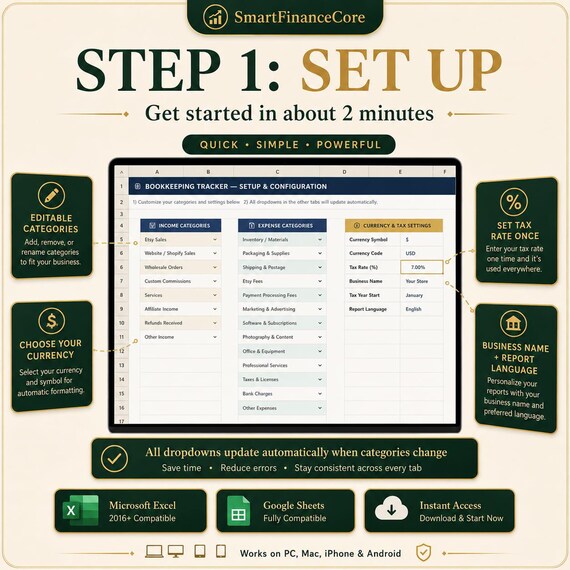
⚙️ Fully Customisable Categories — 8 income categories and 13 expense categories, all editable. Change a category name and the dropdowns update everywhere.
🌍 Multi-Currency Support — USD, EUR, GBP, CAD, AUD, JPY and more via dropdown.
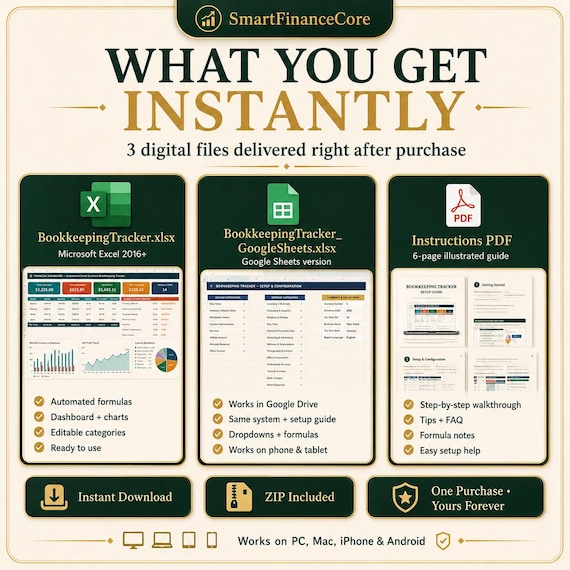
📦 WHAT YOU RECEIVE
→ BookkeepingTracker.xlsx — Microsoft Excel version (2016 and later)
→ BookkeepingTracker_GoogleSheets.xlsx — Google Sheets version with setup guide
→ Instructions PDF — 6-page illustrated guide with formulas, tips and FAQ
All files are delivered instantly after purchase via Etsy's digital download system.
💻 COMPATIBILITY
✓ Microsoft Excel 2016, 2019, 2021, Microsoft 365
✓ Google Sheets (free — works on any browser)
✓ LibreOffice Calc 7+
✓ Works on PC, Mac, iPhone and Android
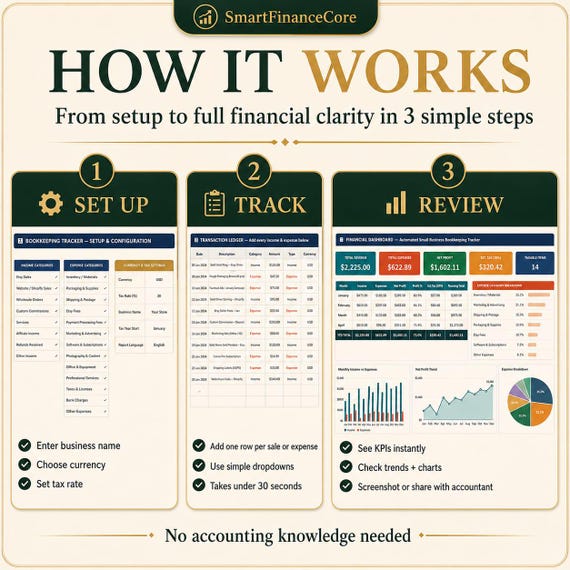
🚀 HOW IT WORKS
Step 1 — Setup (2 minutes)
Open the Setup tab. Enter your business name, choose your currency and set your tax rate. That's it.
Step 2 — Track
Every time you make a sale or pay for something, add one row to the Transactions tab. Use the dropdowns for Type and Category — takes under 30 seconds per transaction.
Step 3 — Review
Open the Dashboard at any time to see your full financial picture. Screenshot it, print it or share it with your accountant.
❓ FREQUENTLY ASKED QUESTIONS
Do I need accounting knowledge?
No. If you can type into a spreadsheet, you can use this tracker.
Can I change the categories?
Yes — edit any category in the Setup tab and all dropdowns update automatically.
Does it work on Google Sheets?
Yes. A dedicated Google Sheets version is included. Open it in Google Drive and convert it with one click.
Can I use it for multiple years?
Yes. Duplicate the Transactions sheet for each year and the Dashboard recalculates automatically.
Is this a subscription?
No. One purchase, yours forever.
More in Profit Dashboard
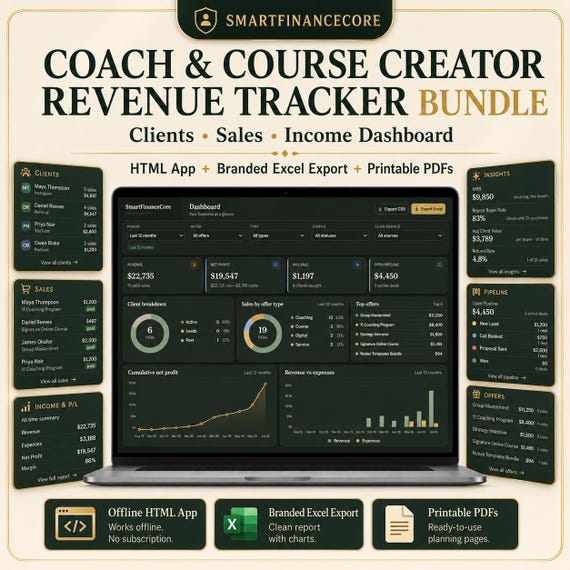
Coach & Course Creator Revenue Tracker Bundle — Clients, Sales, Income Dashboard | HTML App, Branded Excel Export, Printable PDFs
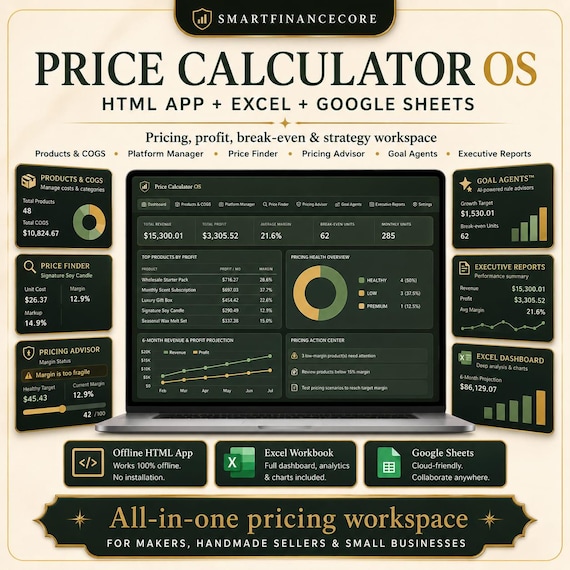
Product Pricing and Profit Calculator | Cost, Margin, Wholesale & Break-Even Tool for Sellers | HTML App with Branded Excel Export