Luxury Budget Planner Spreadsheet | Excel Google Sheets Monthly Template (Digital Download)
Shop rating: ★★★★★ 5.0 · 11 reviews on Etsy $4.80Sale ends September 27
Price before tax — VAT/sales tax may be added at Etsy checkout depending on your country.
Description
📝 FULL LISTING DESCRIPTION
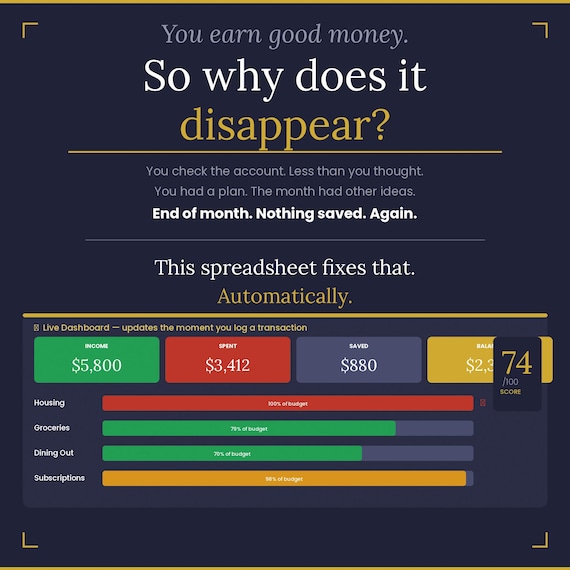
You earn good money. So why does it keep disappearing?
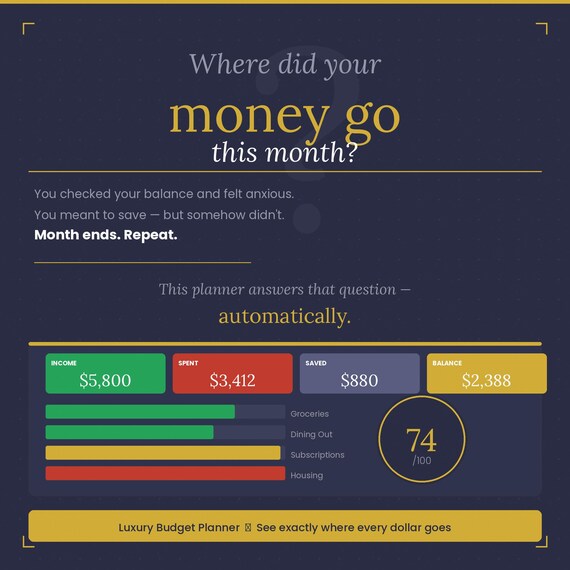
Most people check their bank balance with one eye closed — because seeing the full picture is terrifying when you have no plan. Every month feels the same: money comes in, money goes out, and somewhere between the rent and the restaurant receipts, the savings never happen.
This planner changes that. Completely. Permanently. For the cost of a coffee.
◈ WHAT IS THIS?
The Luxury Budget Planner is a premium personal finance system built in Microsoft Excel and fully compatible with Google Sheets. It gives you a real-time picture of your entire financial life — income, expenses, savings goals, debt payoff timeline, and a live financial fitness score — all in one beautifully designed file that updates automatically as you type.
This is not a basic spreadsheet. This is a financial command center.
◈ 4 TABS. ONE COMPLETE SYSTEM.
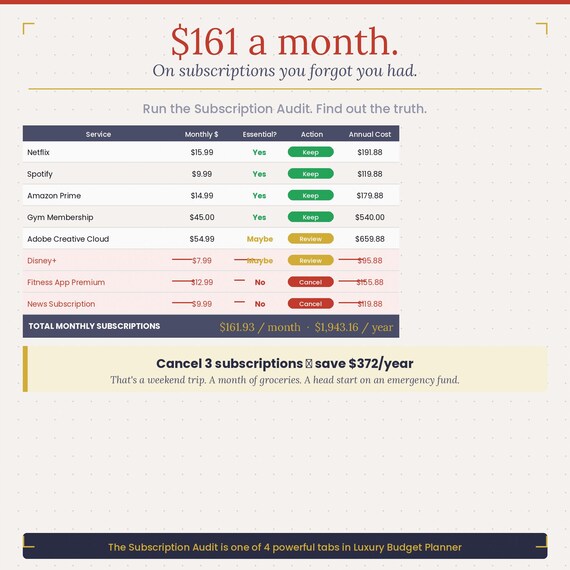
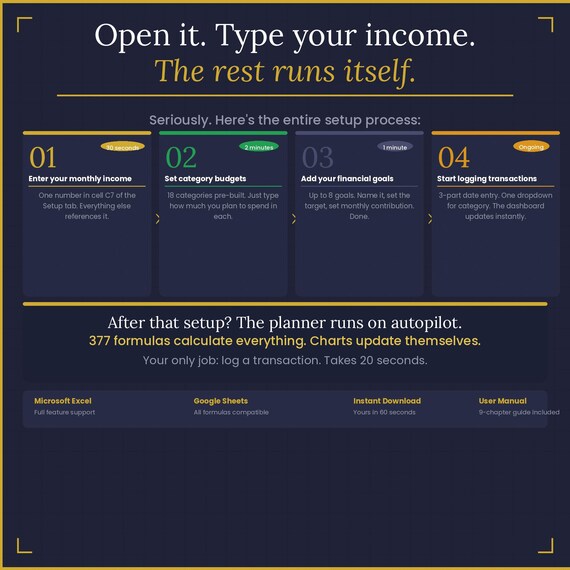
⚙ Setup — Your financial profile. Enter your income, set budget amounts for 18 expense categories, add up to 8 savings goals, and run a full Subscription Audit to find what you're overpaying for. Do this once. The entire planner adapts.
📒 Transactions — Your daily ledger. Log every income, expense, and saving with a smart 3-part date entry that eliminates typos. Type a merchant name and the Category fills automatically via XLOOKUP. 100 pre-formatted rows ready to use.
📊 Dashboard — Your analytics hub. See your Wealth Health Score (1–100), 4 live KPI cards, full spending breakdown with progress bars, savings goal tracker, Sinking Fund Calculator, and 2 professional charts. Nothing here is typed manually — it all updates the moment you log a transaction.
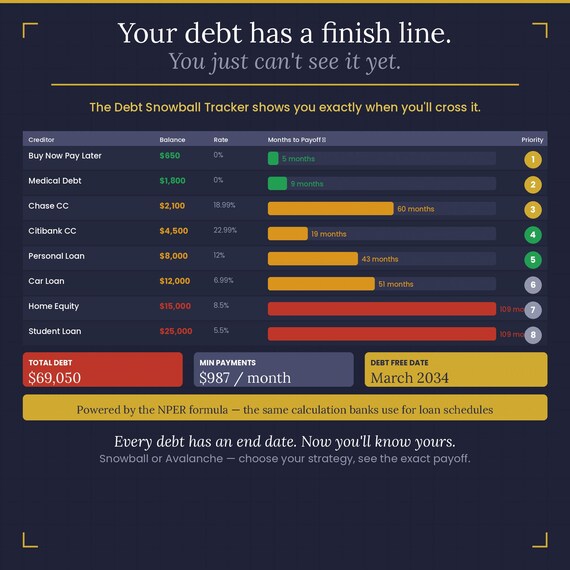
❄ Debt Snowball — Your debt elimination center. Enter your debts and minimum payments. The planner uses the NPER financial formula to calculate exactly how many months until each debt is gone — and ranks them by Snowball priority.
◈ YOUR WEALTH HEALTH SCORE
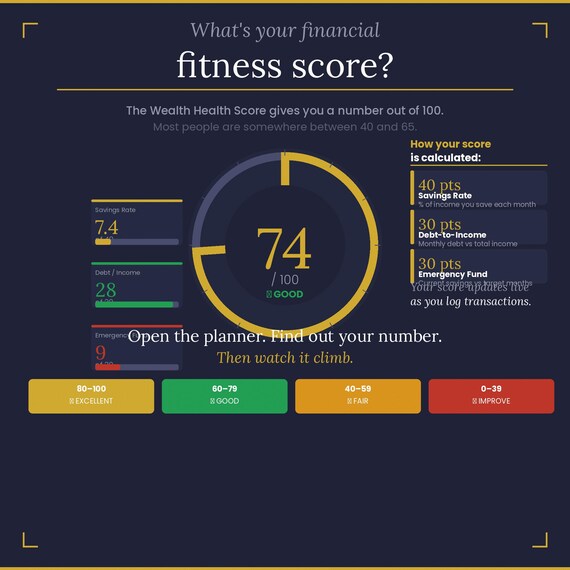
Most people have a vague feeling about their finances — good weeks and bad weeks — but no objective measure. Your Wealth Health Score gives you a number from 1 to 100, calculated automatically from three components:
◆ Savings Rate — up to 40 points. What percentage of your income are you actually saving?
◆ Debt-to-Income Ratio — up to 30 points. How much of your income goes to debt payments?
◆ Emergency Fund Coverage — up to 30 points. How close are you to your target reserve?
The score updates live every time you log a transaction. Watch it climb as your habits improve.
Ratings: 80–100 = Excellent · 60–79 = Good · 40–59 = Fair · Under 40 = Needs Attention
◈ THE SUBSCRIPTION AUDIT
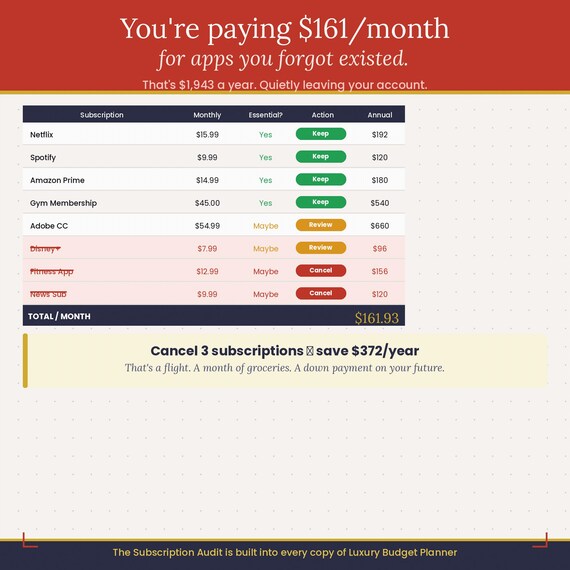
The average person pays for 7 subscriptions they no longer use. The Subscription Audit tab shows you every recurring charge, lets you mark each one as Essential, Maybe, or No, and calculates exactly how much you'd save by cancelling the ones you don't need.
Most buyers find at least $50–$100/month they didn't know they were losing.
◈ SMART SINKING FUND CALCULATOR
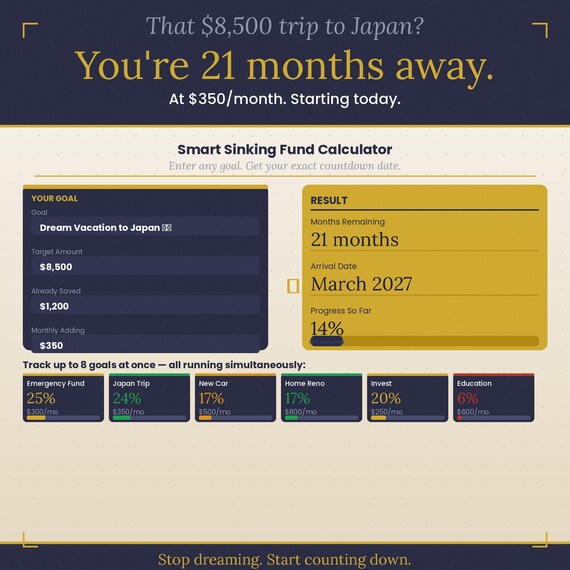
Have a goal? Enter the target amount, how much you've saved so far, and your monthly contribution. The calculator instantly tells you exactly how many months until you get there — and the specific calendar month when you'll arrive.
That $8,500 trip to Japan? At $350/month, you're 21 months away. Starting today.
◈ DEBT SNOWBALL TRACKER
Enter all your debts. The planner calculates the exact number of months until payoff for every single one, using the same NPER formula your bank uses. Then it ranks them by priority — smallest balance first (Snowball) or highest interest first (Avalanche) — and draws a visual bar chart so you can see your finish line.
Your debt has an end date. Now you'll know exactly what it is.
◈ EVERYTHING INCLUDED
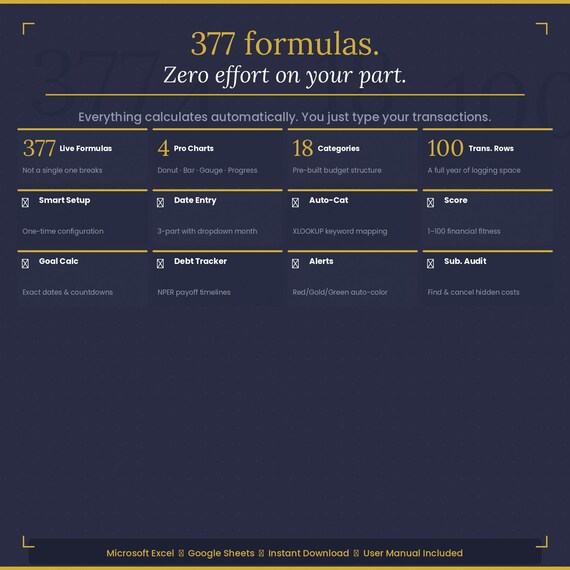
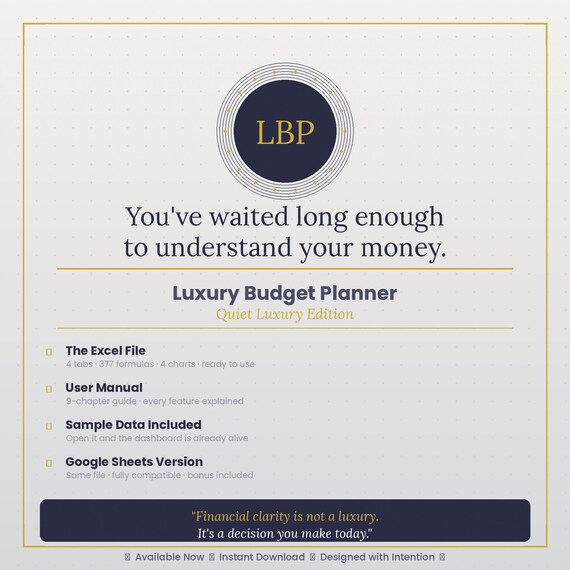
✦ LuxuryBudgetPlanner.xlsx — 4 tabs, 377 live formulas, 4 professional charts, 100 transaction rows, sample data pre-loaded so the dashboard is alive the moment you open it
✦ Google Sheets Version — fully converted and compatible, every formula translated to native Google Sheets syntax, includes a Quick Start Guide tab
✦ Complete 9-Chapter User Manual (.docx) — step-by-step instructions for every feature, formula explanations, tips, troubleshooting, and keyboard shortcuts
✦ Auto-Categorization Map — 15 pre-loaded merchant keywords (Netflix, Whole Foods, Spotify, etc.) that auto-fill the Category column. Fully customisable.
◈ TECHNICAL DETAILS
◆ Compatible with: Microsoft Excel 2019, 2021, Microsoft 365, Google Sheets
◆ File format: .xlsx (opens in all modern versions of Excel and Google Sheets)
◆ Formulas used: SUMIF, IFERROR, NPER, EDATE, TEXT, DATE, MATCH, XLOOKUP (Google Sheets version uses ARRAYFORMULA + REGEXMATCH)
◆ Charts: Donut chart (spending by category), Clustered bar (budget vs actual), Gauge bar (Wealth Score), Horizontal bars (debt payoff)
◆ Data validation: Dropdown menus for Month, Category, and Transaction Type — no invalid entries possible
◆ Conditional formatting: Cells automatically turn green, gold, or red based on budget usage
◈ WHO IS THIS FOR?
◆ Anyone who earns consistently but can't figure out where the money goes
◆ Anyone who wants to pay off debt but doesn't know where to start
◆ Anyone who has tried budgeting apps and found them annoying, limited, or too public
◆ Anyone who wants one clean, offline, private file they fully control
◆ Anyone who has a savings goal and wants to know the exact date they'll reach it
◈ WHO IS THIS NOT FOR?
◆ Anyone looking for a one-click mobile app (this is a desktop spreadsheet)
◆ Anyone who needs multi-account bank syncing (this is manual entry by design — privacy first)
◈ INSTANT DOWNLOAD
You will receive your files immediately after purchase via Etsy's digital download system. No waiting. No shipping. No account required. The files are yours permanently — download them as many times as you need.
◈ A NOTE ON QUALITY
This planner was built with the same standard of care you'd expect from a premium product. Every formula was tested. Every chart was calibrated. Every dropdown validated. The design follows a "Quiet Luxury" aesthetic — clean, refined, and built to be used every day without feeling like a chore.
377 formulas. Zero errors. One file that finally makes your money make sense.
Questions before purchasing? Send a message — happy to help.
◈ KEYWORDS FOR ETSY SEARCH
budget planner spreadsheet, monthly budget template, google sheets budget, excel budget planner, personal finance spreadsheet, debt snowball tracker, sinking fund calculator, savings goal tracker, wealth tracker spreadsheet, financial planner 2025, expense tracker, subscription tracker, budget template instant download
💬 SHOP ANNOUNCEMENT
New arrival: Luxury Budget Planner — Quiet Luxury Edition ✦ Excel & Google Sheets ✦ Wealth Health Score ✦ Debt Snowball ✦ Sinking Fund Calculator ✦ Subscription Audit ✦ Complete User Manual included ✦ Instant download after purchase
❓ FAQ SECTION
Q: Does this work with Google Sheets?
A: Yes — a fully converted Google Sheets version is included in your download. All 377 formulas have been translated to native Google Sheets syntax, including replacing Excel's XLOOKUP with ARRAYFORMULA + REGEXMATCH. A Quick Start Guide tab walks you through the import process in 6 steps.
Q: Do I need any special Excel version?
A: Microsoft Excel 2019, 2021, or Microsoft 365 is recommended. The file uses XLOOKUP which requires Excel 2019 or newer. If you have an older version, use the Google Sheets version — it works identically.
Q: Is this a one-time purchase or a subscription?
A: One-time purchase. You own the file permanently. Download it as many times as you need, on as many devices as you want. No recurring charges.
Q: Can I customise the categories and budgets?
A: Absolutely. All 18 budget categories, their names, and budget amounts are fully editable in the Setup tab. The keyword mapping table for auto-categorization is also customisable — just add your own merchant names and categories.
Q: Is my financial data private?
A: Yes, completely. This is an offline spreadsheet — no data ever leaves your device. Nothing is synced to any server. Your finances stay entirely private.
Q: How long does setup take?
A: Most users are fully set up in under 10 minutes. The planner comes with sample data pre-loaded so you can see everything working immediately, then replace it with your own numbers.
Q: What if I need help?
A: A complete 9-chapter User Manual is included in your download. If you still have questions, send a message through Etsy and you'll receive a response within 24 hours.
Q: Can I use this for my business finances?
A: The planner is designed for personal/household finances. It works well for freelancers and sole traders who want to track income and expenses, but it is not a double-entry accounting system and is not suitable for VAT or complex business bookkeeping.
More in Planners

Camping Trip Planner App – Digital Packing List, Meal Planner, Budget & Firewood Calculator | Printable PDF Instant Download
2027 ACA Subsidy Calculator | Premium Tax Credit & 400% Cliff Planner | Excel, Google Sheets, Offline App + 4 PDF Guides