Freelancer Invoice Tracker Spreadsheet | Excel, Google Sheets (Instant Download)
Shop rating: ★★★★★ 5.0 · 11 reviews on Etsy $4.00Sale ends September 27
Price before tax — VAT/sales tax may be added at Etsy checkout depending on your country.
Description
Stop losing track of who owes you what. This spreadsheet does it automatically.
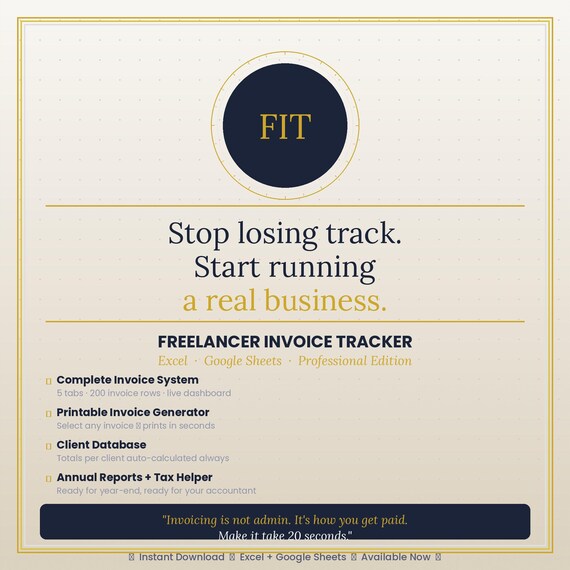
The Freelancer Invoice Tracker is a complete invoicing and client management system built for independent professionals — designers, developers, consultants, photographers, writers, and anyone who sends invoices and needs to know exactly where their money is.
Log an invoice in 20 seconds. Print a professional PDF in 10. Open your dashboard and see your entire business at a glance. That's it.
✦ WHAT'S INCLUDED
◆ FreelancerInvoiceTracker.xlsx — Excel version (Microsoft 365, Excel 2019+)
◆ FreelancerInvoiceTracker_GoogleSheets.xlsx — Google Sheets compatible version
◆ UserManual.pdf — Complete guide, 8 chapters, with troubleshooting FAQ
◆ UserManual.docx — Editable Word version of the manual
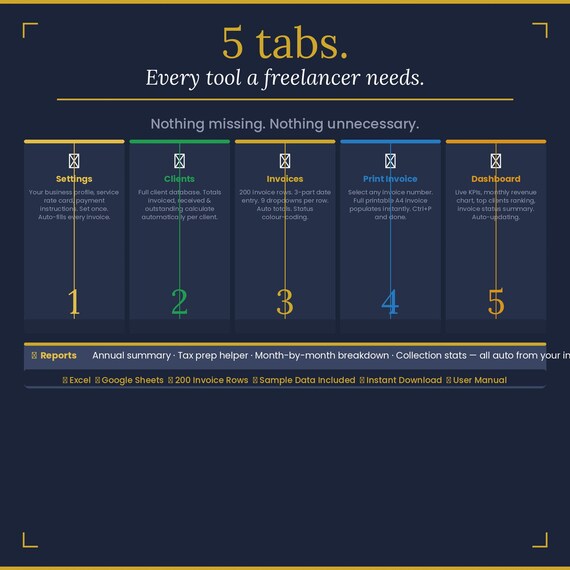
✦ THE 5 TABS
⚙ Settings — Enter your business name, email, payment details, and service rates once. Every invoice pulls from here automatically. Change once, updates everywhere.
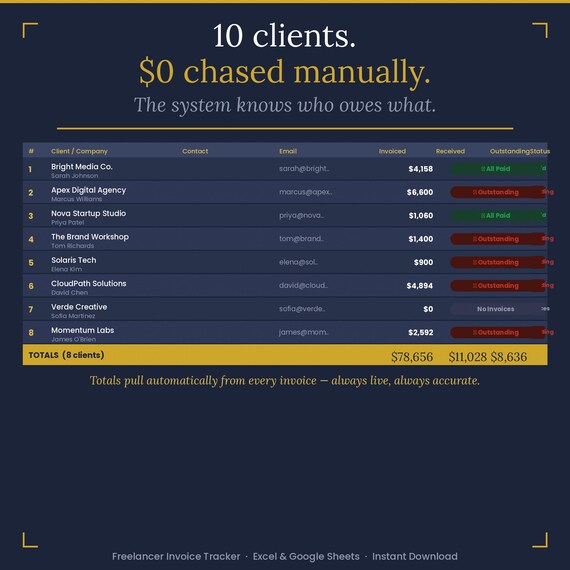
👥 Clients — Your full client database. Add a client once and the system tracks everything: total invoiced, total received, outstanding balance, and payment status — all calculated automatically from your invoices. Never touch these numbers manually.
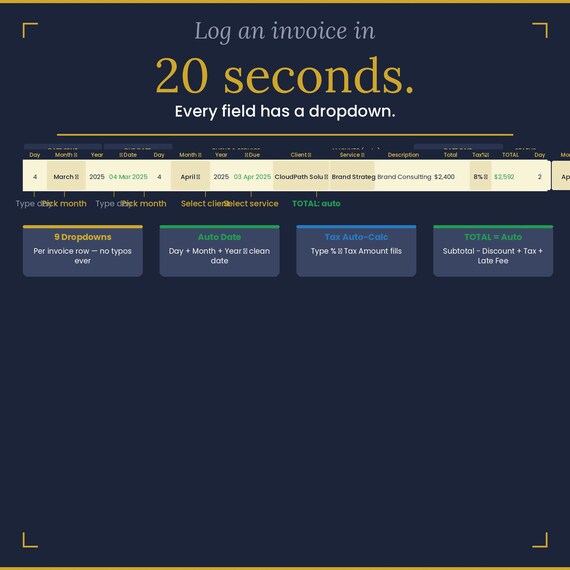
🧾 Invoices — 200 invoice rows with a 3-part date entry system (Day | Month dropdown | Year → auto-formatted date), 9 dropdowns per row, and fully automatic totals. Select your client from a dropdown, pick your service type, enter the amount — the rest fills itself. Status color-coding: green for Paid, red for Overdue, blue for Sent.
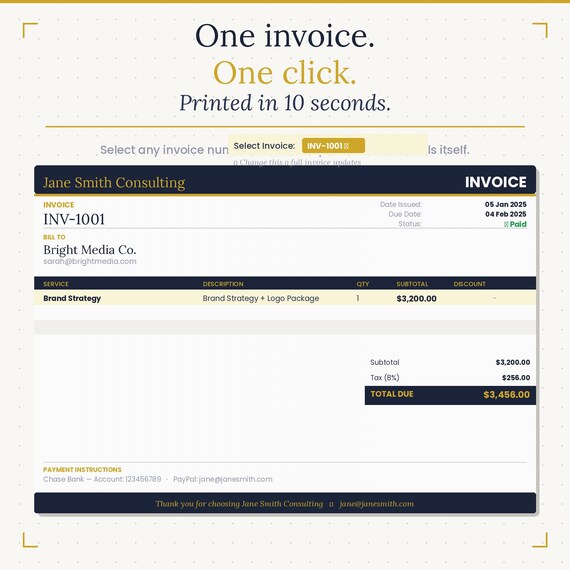
🖨 Print Invoice — Select any invoice number from the dropdown in cell G1. The entire printable invoice populates instantly — client name, dates, amounts, your branding, payment instructions. File → Print (or Ctrl+P). Done in 10 seconds.
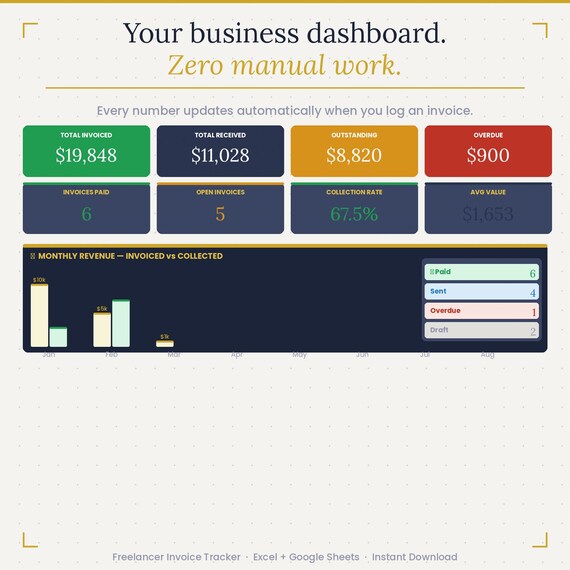
📊 Dashboard — 8 live KPIs: Total Invoiced, Total Received, Outstanding, Overdue, Invoices Paid, Open Invoices, Collection Rate, and Average Invoice Value. Monthly revenue chart (invoiced vs collected). Top clients table. Invoice status summary. All automatic. You never type a single number here.
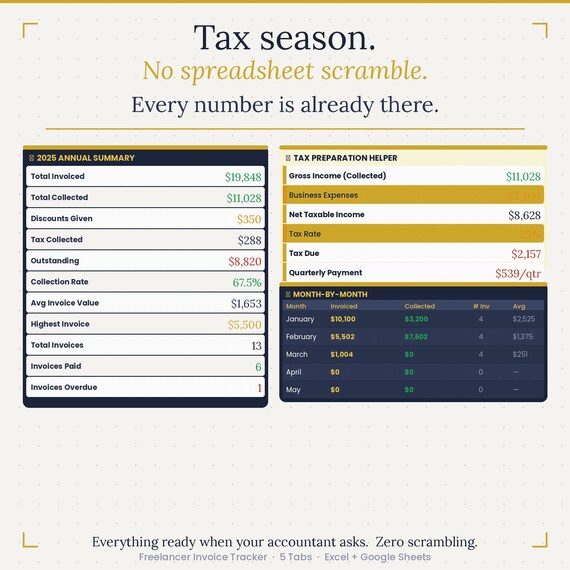
📈 Reports — Annual summary with 12 metrics. Tax preparation helper: enter your business expenses and estimated tax rate — the system calculates net taxable income, estimated tax due, and quarterly payment. Month-by-month breakdown for all 12 months. Everything your accountant will ask for, already there.
✦ KEY FEATURES
◆ 3-part date entry — Day / Month dropdown / Year → auto-formats to "04 Mar 2025"
◆ 9 dropdowns per invoice row — client, service type, tax rate, status, month (×3)
◆ Auto totals — Subtotal − Discount + Tax + Late Fee = TOTAL (never calculated manually)
◆ Late fee auto-calculation — applies 1.5%/month automatically on Overdue invoices
◆ Tax calculation — select tax % from dropdown → tax amount fills automatically
◆ 200 invoice rows — expandable if needed
◆ Client financial summary — invoiced, received, and outstanding per client, always live
◆ Collection Rate KPI — tracks what percentage of your invoiced revenue has been collected
◆ Printable A4 invoice — select number, auto-fills, Ctrl+P
◆ Sample data included — dashboard is live from the first open so you can see it working
◆ Works offline — no subscriptions, no internet required, no recurring fees
✦ WHO THIS IS FOR
Freelance designers, developers, copywriters, photographers, consultants, coaches, social media managers, virtual assistants, and any self-employed professional who sends invoices and wants to know — at any moment — exactly how much they've earned, how much they're owed, and which clients need chasing.
✦ HOW IT WORKS
Open the file and go to ⚙ Settings — enter your name, email, payment details
Add your clients in 👥 Clients (company name, contact, email)
Log invoices in 🧾 Invoices — takes about 20 seconds per row
Use 🖨 Print Invoice whenever you need a PDF to send
Check 📊 Dashboard anytime to see your business at a glance
Open 📈 Reports at tax time — it's already done
✦ TECHNICAL DETAILS
◆ Format: .xlsx (works in Excel and Google Sheets)
◆ Excel version: Microsoft 365, Excel 2019, Excel 2021
◆ Google Sheets: fully compatible — import via Google Drive → Open with Google Sheets
◆ Formulas used: SUMPRODUCT, TEXT, DATE, MATCH, IFERROR — all standard, no macros
◆ No VBA, no macros, no external connections — opens anywhere
◆ Print area pre-set on Print Invoice tab — A4 portrait, ready to print
✦ INSTANT DOWNLOAD
You'll receive your files immediately after purchase via Etsy's download system. No waiting, no shipping, no account required.
✦ QUESTIONS?
Message us through Etsy — we reply within 24 hours.
Freelancer Invoice Tracker · Excel & Google Sheets · Professional Edition
More in Profit Dashboard
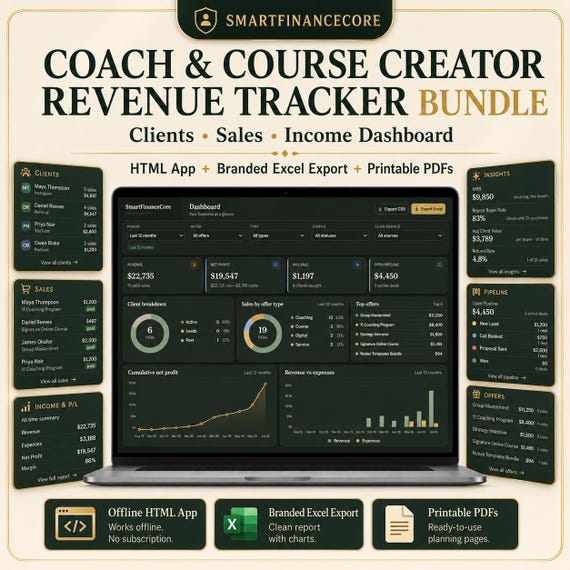
Coach & Course Creator Revenue Tracker Bundle — Clients, Sales, Income Dashboard | HTML App, Branded Excel Export, Printable PDFs
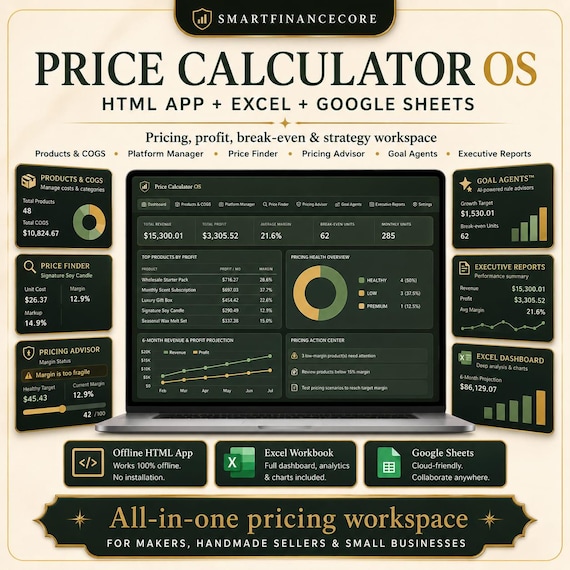
Product Pricing and Profit Calculator | Cost, Margin, Wholesale & Break-Even Tool for Sellers | HTML App with Branded Excel Export