
Daycare & Childcare Business OS | Forms Bundle + Attendance, Tuition, Enrollment, Staff,Ratio Tracker | Fillable + Printable PDFs + Excel
Shop rating: ★★★★★ 5.0 · 11 reviews on Etsy $15.60Sale ends September 27
Price before tax — VAT/sales tax may be added at Etsy checkout depending on your country.
Description
🌱 DAYCARE / CHILDCARE BUSINESS OS
Run your whole centre from one file — no subscription, no login,
no internet needed.
━━━━━━━━━━━━━━━━━━━━━━━━━━━━━━━━━━━━━━━━━━
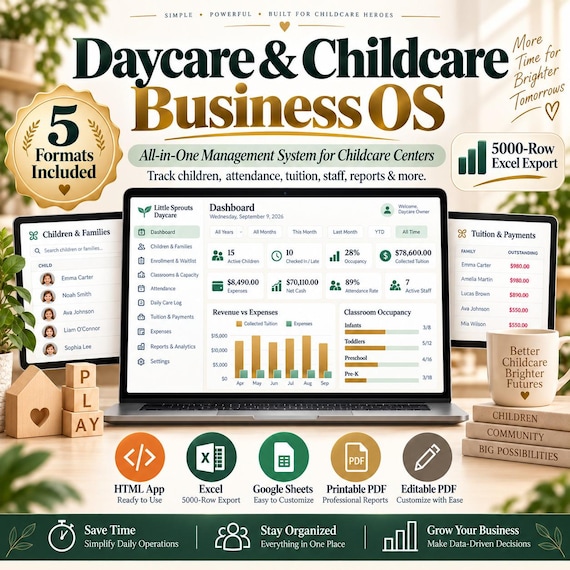
A complete management system for a daycare, preschool, nursery or
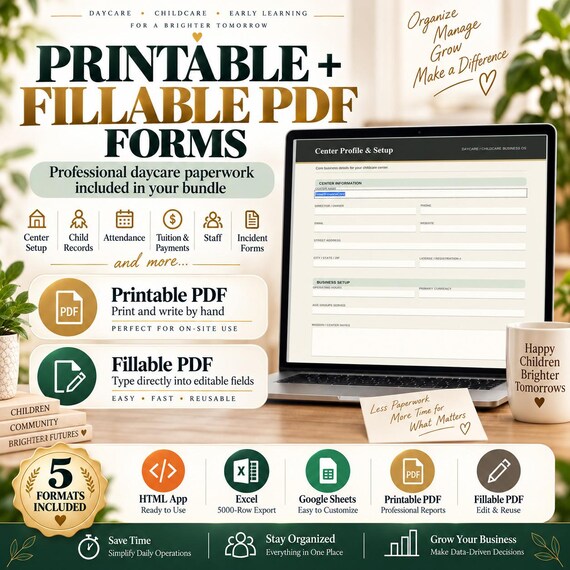
home childcare — plus a matching set of 18 printable & fillable PDF
forms and a sample Excel workbook.
Track attendance, tuition, enrollment, staff, child-to-staff ratios,
daily care, health and compliance in one calm, easy place.
Buy once. Own it forever. Your data never leaves your device.
✨ WHY CENTRE OWNERS CHOOSE IT
━━━━━━━━━━━━━━━━━━━━━━━━━━━━━━━━━━━━━━━━━━
✔ One-time price — no monthly fees, ever
✔ Works 100% offline — no account, nothing uploaded
✔ Your records stay private, on your own computer
✔ 43 currencies — use it anywhere in the world
✔ Excel + CSV export, one-click Print / Save-as-PDF
✔ Built-in backups + automatic snapshots keep your data safe
✔ Clean design, light & dark mode, works on tablet and phone
✔ Instant digital download
📦 WHAT YOU GET
━━━━━━━━━━━━━━━━━━━━━━━━━━━━━━━━━━━━━━━━━━
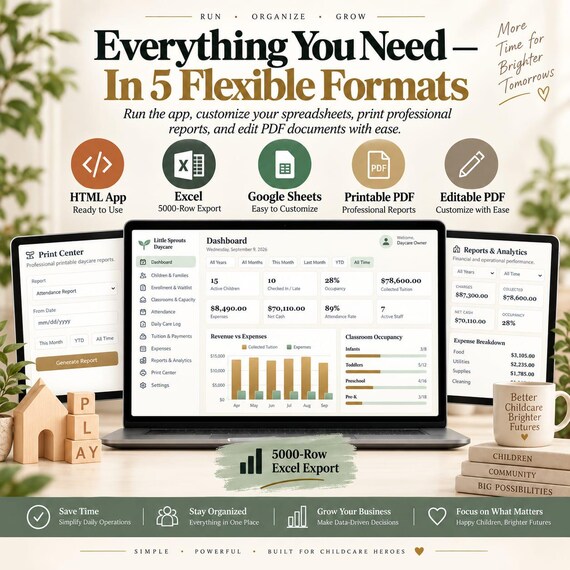
🖥️ The App (Daycare-Childcare-Business-OS.html)
One self-contained file. Open it in any browser and it becomes
a full management system. No install.
📄 18 Fillable PDF Forms (A4 + US Letter)
Type on your computer, then save or print.
🖨️ 18 Printable PDF Forms (A4 + US Letter)
Print and fill in by hand.
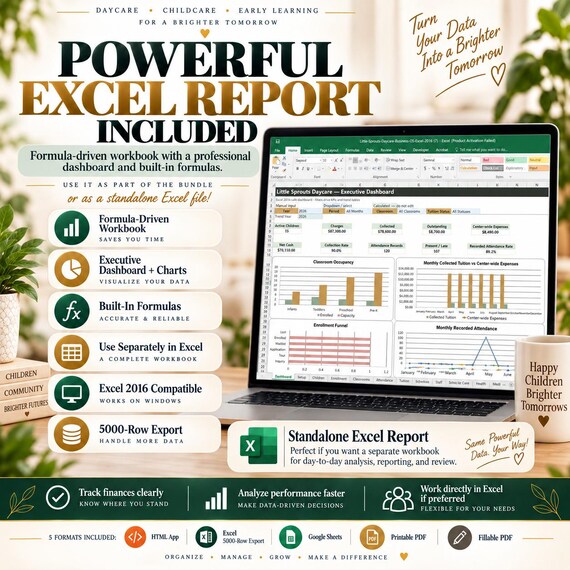
📊 Sample Excel Export
See exactly what the app produces — 16 formula-driven sheets,
opens in Excel, Google Sheets or LibreOffice.
📘 Illustrated User Guide (PDF) + Quick-Start readme
🗂️ WHAT THE APP MANAGES
━━━━━━━━━━━━━━━━━━━━━━━━━━━━━━━━━━━━━━━━━━
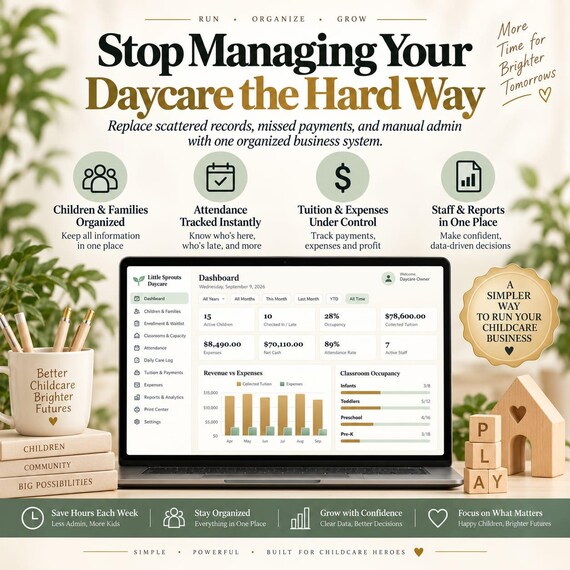
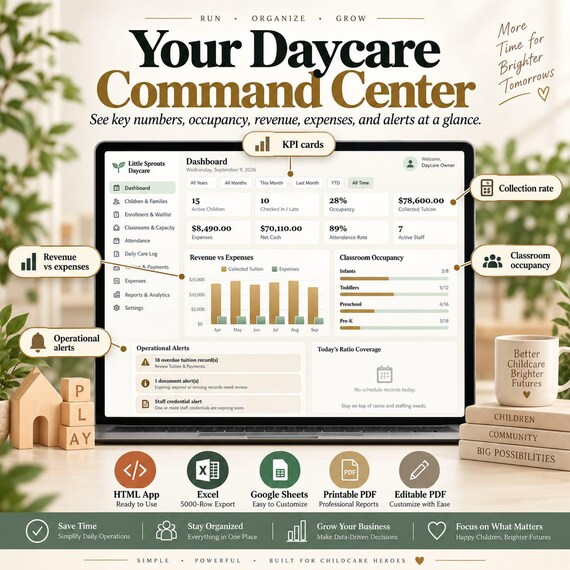
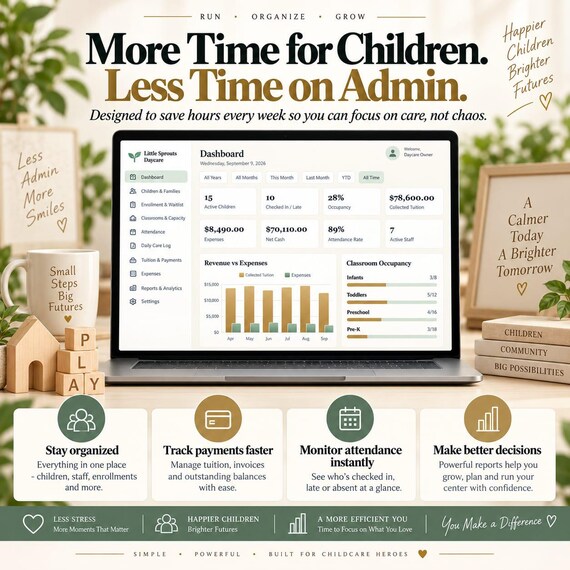
• Dashboard — live KPIs, revenue vs expenses, occupancy, alerts
• Children & Families — full profiles + a 360° view per child
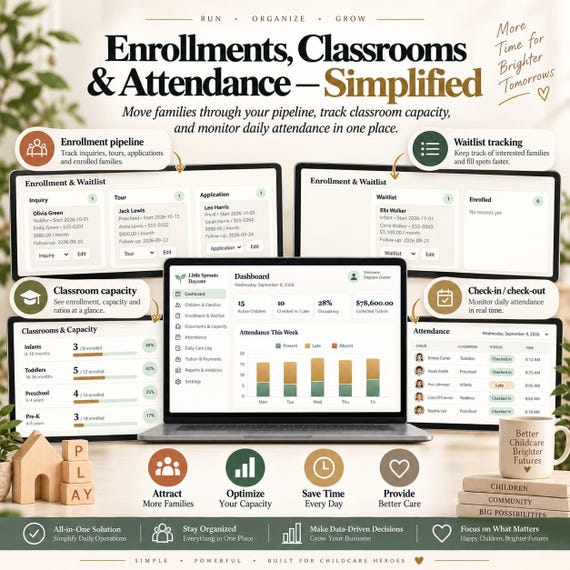
• Enrollment & Waitlist — drag-and-drop pipeline
Inquiry → Tour → Application → Waitlist → Enrolled → Lost
• Classrooms & Capacity — licensed capacity + your ratio targets
• Attendance — fast check-in / check-out board + full history
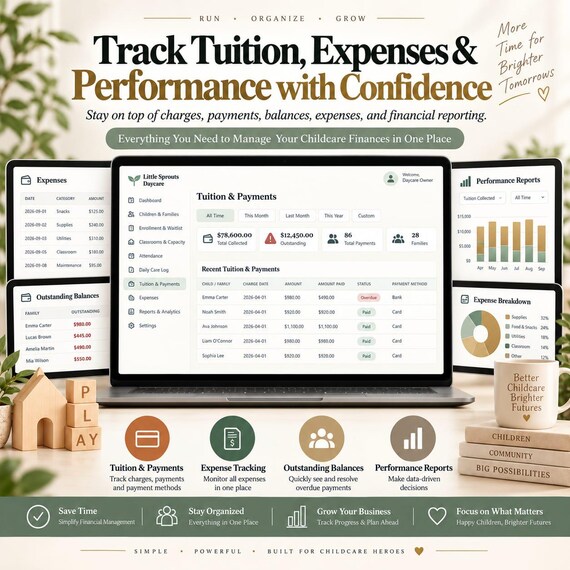
• Tuition & Payments — automatic Paid / Partial / Overdue status
• Expenses — categorised, feeds Net Cash
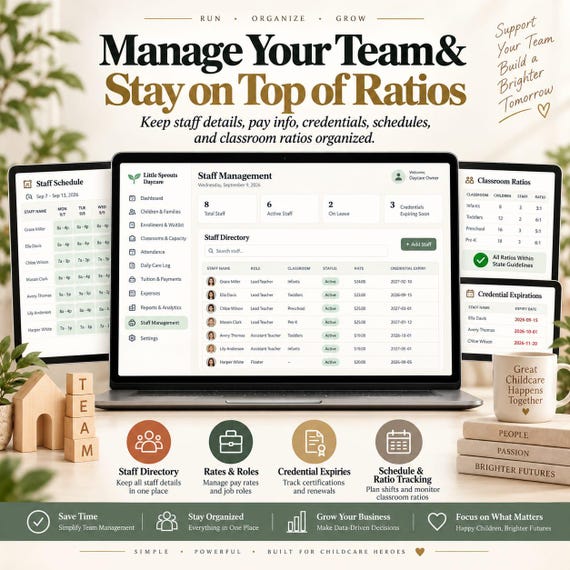
• Staff Management — pay, roles, CPR & background-check alerts
• Staff Schedule & Ratios — scheduled vs required staff
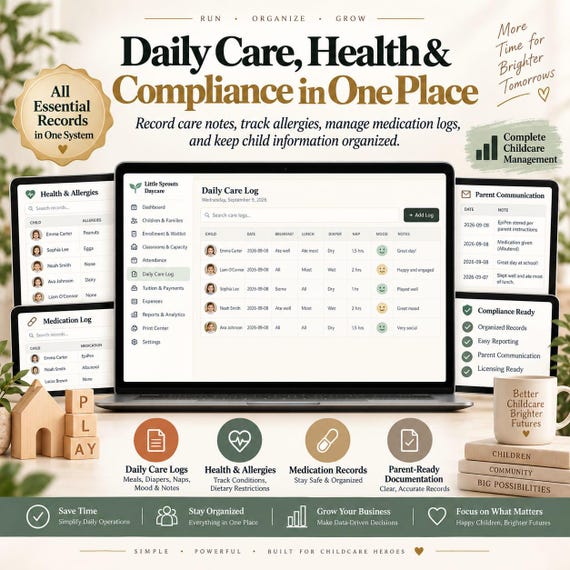
• Daily Care Log — meals, bottles, naps, diapers, mood, activities
• Health & Allergies · Medication Log · Incident Reports
• Parent Communication log · Documents & Compliance tracker
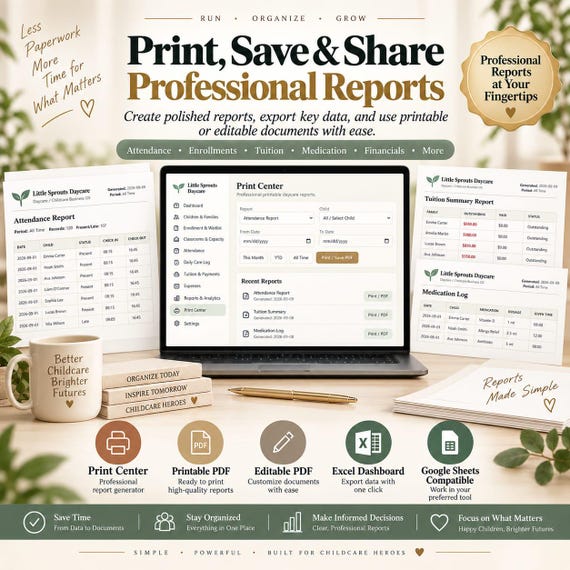
• Reports & Analytics + a Print Center for clean statements
📄 THE 18 FORMS (PRINTABLE & FILLABLE)
━━━━━━━━━━━━━━━━━━━━━━━━━━━━━━━━━━━━━━━━━━
Center Profile · Child & Family Profile · Enrollment & Waitlist
Classroom & Capacity · Daily Attendance · Daily Care Log
Tuition & Payments · Expense Tracker · Staff Profile
Staff Schedule & Ratios · Health & Allergies
Medication Administration Log · Incident & Illness Report
Parent Communication Log · Documents & Compliance
Emergency Contact Sheet · Monthly Operations Summary
Action Plan & Notes
Use them as paper backups, for staff who don't use the app, or for
records that must be signed and kept on file.
🚀 HOW TO START
━━━━━━━━━━━━━━━━━━━━━━━━━━━━━━━━━━━━━━━━━━
1. Download and unzip. Keep the folder somewhere permanent.
2. Double-click the .html file — it opens with demo data so you
can explore every screen.
3. Settings → Clear All Data, then add your classrooms, children
and staff. Full steps are in the User Guide.
4. Download a JSON backup regularly (top bar → Backup).
💻 REQUIREMENTS
━━━━━━━━━━━━━━━━━━━━━━━━━━━━━━━━━━━━━━━━━━
• A current web browser (Chrome, Edge, Firefox or Safari)
• A PDF viewer for the forms
• Excel 2016+, Google Sheets or LibreOffice for the sample file
• Desktop or laptop recommended for setup
❓ FAQ
━━━━━━━━━━━━━━━━━━━━━━━━━━━━━━━━━━━━━━━━━━
Is this a subscription?
No. You pay once and keep it forever.
Do I need internet or an account?
No. Everything runs offline on your device. There is no login.
Windows, Mac or iPad?
Any device with a modern browser.
Where is my data stored?
Inside your browser, on that one device — never on a server.
Keep JSON backups (the app makes this easy) and you're covered.
Can I run two centres?
Yes — keep a separate copy of the file (and its backup) per centre.
Can several staff use it at the same time?
It's a single-device tool. Share one computer, or pass a JSON
backup between devices. It is not real-time multi-user.
Can I edit the PDF forms?
You can type into the fillable versions and print either version.
The layout itself is fixed.
⚠️ IMPORTANT
━━━━━━━━━━━━━━━━━━━━━━━━━━━━━━━━━━━━━━━━━━
This is an administrative record-keeping tool. Child-to-staff ratios,
licensing, medication procedures and documentation rules vary by
country, state and locality — configure and use it according to the
rules that apply to your operation. It does not provide legal,
medical or licensing advice.
📥 DIGITAL PRODUCT
━━━━━━━━━━━━━━━━━━━━━━━━━━━━━━━━━━━━━━━━━━
No physical item is shipped. Files are available to download
immediately after purchase. Because of the nature of instant
downloads, this purchase is non-refundable — please read the full
description and message me with any questions before buying.
Thank you for supporting a small shop! 💛